

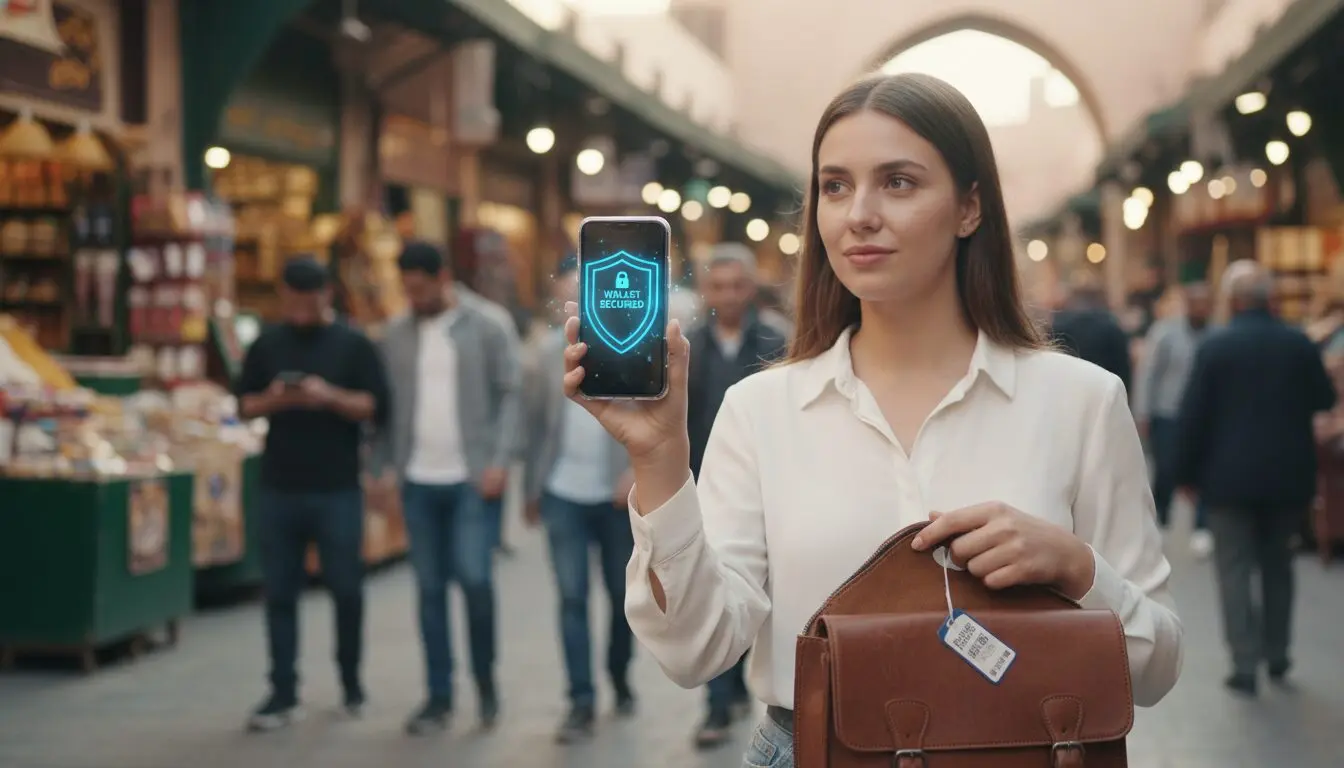
digital wallets and travel safety matter the moment you step off the plane — your phone often holds more access than a single card, so choosing how you pay can calm or complicate a trip.
Think of tokenization and encryption as a locked envelope: merchants see a one-time token, not your real card number. Biometric checks and passcodes add a personal gate that stops strangers from approving purchases on your devices.
That said, tech can’t fix every risk. Phishing texts, fake apps, and tired moments still trick travelers into handing over credentials or data. This short guide will show how to lock down your phone, use your wallet smartly while abroad, and spot scams before they cost you.
Key Takeaways
- Tokenization protects your card by keeping the real number hidden from merchants.
- Biometrics and passcodes add strong, personal control over payments on your phone.
- Balance physical theft risks (pickpockets, skimmers) with cyber threats (phishing, fake apps).
- Prepare before you leave: update apps, enable locks, and back up essential information.
- Know the steps to act fast if something looks wrong—freeze cards, change passwords, report fraud.
What makes digital wallets safer than carrying a physical card
Imagine your card number never leaves your pocket; the store only gets a temporary code instead. When you tap with Apple Pay, Google Pay, or Samsung Pay, the app issues a unique encrypted token for that transaction. The merchant gets approval, not your real credit card number.
That token reduces what a breached system can expose. If a shop’s records are stolen, the stolen data is far less useful than a real card number. This matters in crowded terminals and unfamiliar shops where you can’t vet every point of sale.
Biometrics and passcodes act as a second lock. A thief who grabs a physical card can often use it immediately. A phone payment usually needs Face ID, fingerprint, or a passcode before a payment goes through, so a would-be fraudster must bypass that layer too.
- Tokenization: one-time stand-in codes for each purchase.
- Checkout flow: terminals receive approval, not raw card data.
- Authentication: Face ID, Touch ID, or passcode adds a required step.
But this protection has limits. Tokenization secures the payment rail — it won’t stop you from typing credentials into a fake “refund” page. A convincing phishing text like “your airline refund failed—verify your card” can bypass all tech if you hand over information or install a fraudulent app.
| Feature | What it protects | What it doesn’t stop |
|---|---|---|
| Tokenization | Real card number at merchant side | Phishing that captures your login |
| Biometric authentication | Unauthorized tap-to-pay on your device | Social engineering that convinces you to authorize |
| Encrypted transaction data | Replay or reuse of transaction tokens | Fraud from fake apps or malicious links |
Digital wallets and travel safety: the risks that matter most on the road
A common scam starts with an urgent message that looks official—“payment problem,” “booking failed,” or “confirm baggage fee.” Those notes push you to tap a link while you’re tired or rushing at the airport. Don’t click; open the airline or hotel app you already use, or type the site address yourself to check your account.
Phishing and fake apps
Scammers build look‑alike apps and fake checkout pages to steal card details. Only download an app from the official store and check developer names, ratings, and recent reviews before you install.
Wi‑Fi, QR codes, and point-of-sale threats
Attackers clone hotspot names in airports and hotels to intercept logins. Choose cellular data or a verified network, and confirm free Wi‑Fi portals with staff. Malicious QR codes can open phishing pages—when in doubt, type the URL or ask an employee. Tap-to-pay at reputable, well-known merchants reduces the chance of a compromised terminal.
| Risk | How it looks | Quick move |
|---|---|---|
| Phishing/smishing | Urgent SMS or email asking for verification | Open your app or site directly |
| Fake app | Copycat name, low reviews, odd permissions | Use official stores, check developer |
| Fake Wi‑Fi / QR | Similar hotspot names or posted QR | Use cell data, verify with staff |
Privacy and funds note: Tests show strong technical security, but wallet apps differ in how they collect and share data, and protections weaken when you store a balance in‑app. Treat stored funds like extra cash—use it sparingly and know your provider’s dispute rules and oversight.
Set your phone up before you leave so your wallet isn’t the weak link
A few minutes of prep on your device will save hours of hassle if something goes wrong on the road. Start with simple actions you can test now, not later.
Lock screen basics
Use a strong passcode—avoid simple 4-digit sequences. Enable Face ID or Touch ID and shorten auto-lock so your phone locks quickly when idle. These small steps raise your first line of protection.
Remote recovery and updates
Turn on Find My iPhone/Find My Device and test remote lock and remote erase once. Update iOS/Android and update your wallet apps only from official app stores to keep security patches current.

Encryption, backups, and MFA
Enable full-disk encryption and back up to a secure cloud so you can wipe a device without losing accounts or important data. Add a password manager for unique passwords across accounts.
Plan authentication before you roam—use an authenticator app or backup codes when SMS might fail after an in-country SIM swap.
Trim what you carry
If border searches are possible, remove sensitive photos and files from the device. Only keep what you need, and sync extras to encrypted cloud storage from trusted providers.
- Quick checks: passcode, Find My test, updates, backup, authenticator set.
- Carry a note of your provider contacts and account recovery details in a secure place.
| Action | Why it matters | How to test |
|---|---|---|
| Strong passcode + biometrics | Blocks casual access | Lock screen, ask a friend to try unlocking |
| Find My + remote erase | Recover or wipe if lost stolen | Send remote lock command and verify |
| Updates + official apps | Patches vulnerabilities | Check OS/app store for recent installs |
| Authenticator app + backups | MFA works without roaming SMS; data safe | Use backup code to sign in, restore from cloud |
For more pre-trip guidance on personal security and solo planning, review these solo travel safety tips.
Use your digital wallet day-to-day abroad without creating new problems
A light touch of care at the moment you tap can keep a small convenience from becoming a big headache. Keep habits simple so they survive long days and late nights.
Choose safer networks for payments
For any payments or account work, default to cellular data or your own hotspot. Public Wi‑Fi is easy to fake—avoid logging into sensitive sites there.
If legal where you are, a VPN adds protection on sketchy networks. Still, the best move is to skip sensitive actions on open networks.
Tap-to-pay habits that reduce risk in crowds
Unlock, tap, and re-lock—short actions keep your wallet visible for only seconds. Turn NFC off when you do not need it, or require the screen to be unlocked.
Charging and connection pitfalls
Skip public USB stations; bring your charger or a power bank. Unknown cables and ports can copy data from your phone or device.
Bluetooth, AirDrop, and Nearby Share
Set AirDrop/Nearby Share to “Contacts Only” or off. Turn Bluetooth off when not pairing—rental cars and cafes can retain traces of your information.
Think before sharing plans
Avoid live posts of your location. Post after you leave to reduce targeting and curb simple scams that feed on visible plans.
- Quick precautions: use your hotspot, limit public Wi‑Fi, disable NFC when idle, carry your charger, tighten sharing settings.
| Action | Benefit | Quick tip |
|---|---|---|
| Use cellular or hotspot | Protects payment info and login data | Turn off Wi‑Fi auto-join |
| Disable NFC when idle | Limits background taps on devices | Only enable for transit or checkouts |
| Avoid public USB | Prevents data copying or malware | Carry charger or power bank |
| Set AirDrop to Contacts Only | Stops unsolicited files | Reset Bluetooth after car rental |
Watch your money in real time and act fast if something looks off
Set up instant notices so suspicious activity is a ping, not a crisis. Before you leave, enable transaction alerts with your bank and credit issuer so charges notify you in seconds.
Know what counts as normal abroad: hotels place holds, car rentals pre-authorize, and currency conversion can change a small charge by a few dollars. These look odd but are common.
Build a quick review routine—skim transactions once a day after busy travel days. If a transaction seems wrong, move fast: freeze the card via your bank app, report the charge, and change the account password.
Immediate steps if your phone is lost or stolen
Lock the device remotely, then erase it if you must. Remove cards from linked accounts where possible, then call your bank(s) to suspend cards and protect accounts.
When to carry a physical card or cash
Keep one credit card for places that don’t accept tap, plus a small amount of cash for tips and transit. Carry less so loss is less painful—store backup contact numbers offline.
- Set alerts before you go so fraud can’t sit unnoticed.
- Skim transactions daily to spot true fraud versus normal holds.
- Act within minutes—freeze cards, report, change passwords.
- Phone lost/stolen: remote lock → erase → call your banks.
| Issue | What to do | Why it matters |
|---|---|---|
| Unexpected charge | Freeze card, report to bank, review receipts | Stops further fraud and speeds dispute |
| Temporary hold | Note merchant type (hotel/rental), wait 1–7 days | Avoids false disputes for normal pre-authorizations |
| Lost or stolen phone | Remote lock, erase, call banks immediately | Protects accounts and prevents new charges |
For tips on spotting cons that mimic official messages, read how to avoid common travel scams.
Conclusion
When your phone is set up right, payments stay quick while risks stay small. For most trips, using digital wallets offers strong protection: tokenization hides your card number, biometrics add a second lock, and major names like Apple Pay and Google Pay build in robust security.
Still, scams and sloppy habits cause most problems. Check app sources, limit permissions, avoid public Wi‑Fi for sensitive work, and enable remote lock or erase on your device.
Three clear steps help: secure your device before you go, use smarter networks and settings while out, and monitor transactions so you can act fast.
Mind privacy—apps collect data, so trim permissions. Travel confident: stay light, stay aware, keep your money and information protected so the trip stays yours.